
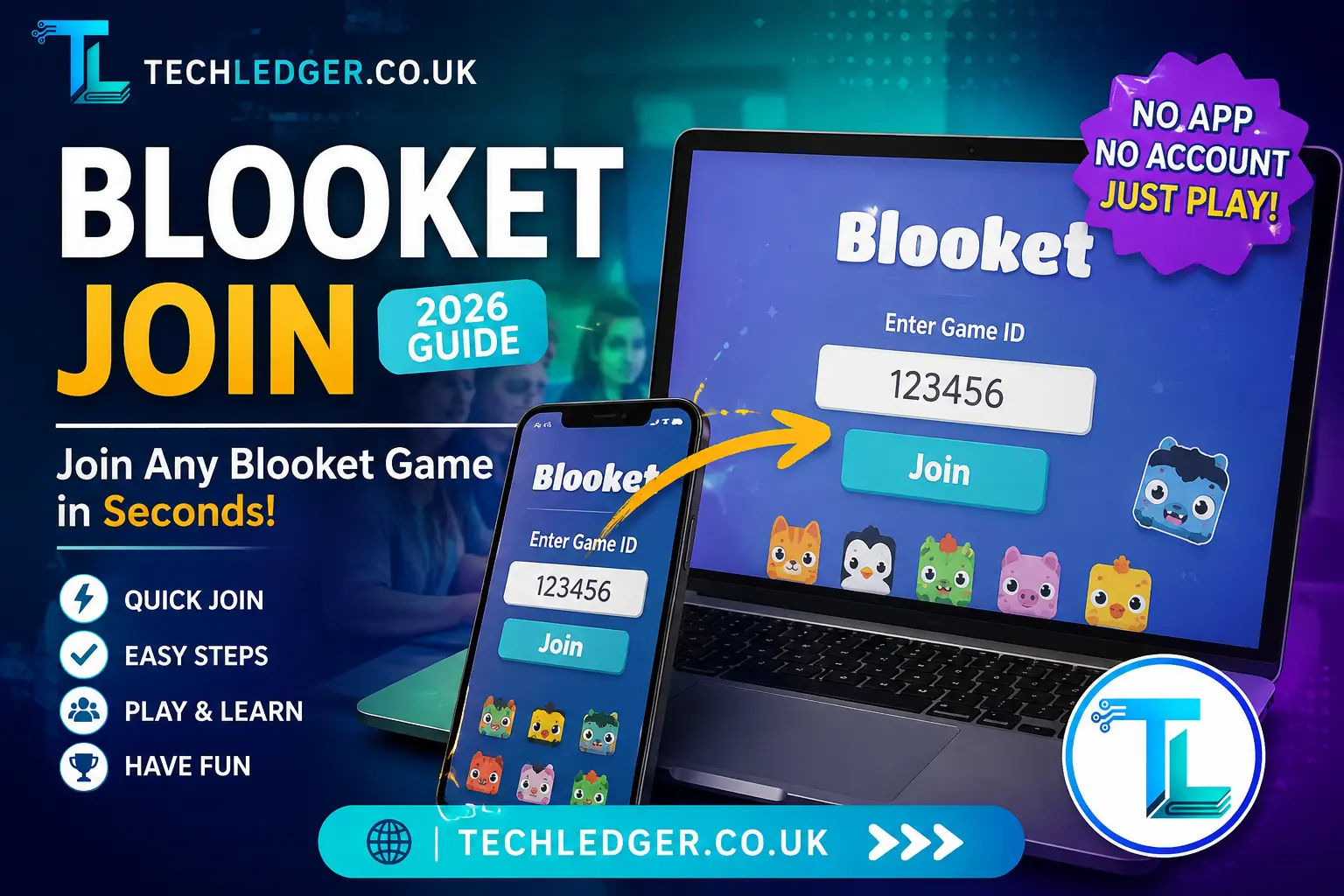
If you’ve ever sat in a classroom while your teacher says “go join the game,” you already know the small wave of panic that comes with it. Everyone’s typing on their phones and Chromebooks, someone’s code isn’t working, and the countdown on the board keeps ticking. That single moment the rush to get into the lobby before the game starts is exactly why “Blooket join” is searched so heavily every single day. It’s a race against time, a blend of excitement and anxiety, as players scramble to enter their names, hoping to secure a spot before the virtual gates close.
The thrill of competition and the fear of missing out fuel an adrenaline rush, making every second count. For many students, Blooket isn’t just a game; it’s a chance to collaborate, strategize, and showcase their knowledge in a fun and engaging way. As questions flash on the screen, the classroom transforms into a buzzing arena where laughter and friendly banter replace the usual silence of learning, creating a unique blend of education and entertainment that keeps everyone on their toes.
Blooket is a free, browser-based learning game platform that turns ordinary quiz questions into fast-paced mini-games like Tower Defense, Café, Gold Quest, and Battle Royale. Teachers host the questions; students join instantly using a short game code. There’s no software to install and, in most cases, no account required to play. But the join process still trips people up more often than it should, mostly because of one small detail: the page you need isn’t the same as the main Blooket website.
In this guide, I’ll walk through exactly how Blooket join works, where the real join page lives, what to do when your code doesn’t work, and a few things I think Blooket could still make simpler. This isn’t a copy-paste of Blooket’s help page it’s a practical breakdown based on how the join flow actually behaves in real classrooms. To start, let’s clarify what Blooket is and why it’s becoming a go-to tool for educators. Blooket is an interactive learning platform that transforms traditional study methods into engaging games, making it easier for students to learn while having fun.
Understanding how to navigate the join process is crucial, as it sets the stage for a seamless experience for both teachers and students. First, let’s explore the official join page: it’s often tucked away in the interface, but I’ll guide you to the right spot so you can find it quickly without any hassle.
What You Actually Need to Join a Blooket Game
Before typing anything, make sure you have three things ready:
- A device with a browser — a phone, tablet, Chromebook, or computer all work fine.
- An internet connection — Blooket is entirely web-based, so a stable connection matters more than device power.
- The game code (Game ID) from your host usually a short number displayed on the classroom screen, read aloud, or shared as a link.
That’s it. You don’t need to download an app, and you don’t need to create an account just to play a game someone else is hosting. Accounts only matter if you want to save your stats, collect Blooks over time, or eventually host your own game.
Step-by-Step: How to Join a Blooket Game
Here’s the process broken down in the order it actually happens on screen:
| Step | What You Do | Why It Matters |
|---|---|---|
| 1 | Open a browser and go to the official join page | Typing the wrong address is the #1 reason people get stuck |
| 2 | Enter the Game ID your host gave you | This links you to the exact live lobby |
| 3 | Click “Join” | Confirms the code and checks if the lobby is open |
| 4 | Choose a nickname or Blook name | Some hosts require real names — check before typing a joke name |
| 5 | Wait in the lobby | Don’t refresh or switch tabs; the host controls when it starts |
| 6 | Answer questions as they appear | Correct answers earn points, coins, or in-game advantages |
A common point of confusion is the web address itself. Typing the main Blooket homepage into your browser takes you to a marketing and set-creation site, not the live join screen. The dedicated play page is a separate address, and that’s the one your host’s code is meant for. If you’re ever unsure, ask your teacher to display or paste the exact join link instead of just reading out numbers it removes almost all room for typing mistakes. This distinction is crucial, especially in a classroom setting where time is of the essence. Additionally, it can be helpful to bookmark the correct join page for future reference.
This way, you can bypass any potential confusion altogether and dive straight into the game. Remember, the objective is to engage and learn, and eliminating technical hiccups can significantly enhance the experience. If you encounter any issues, don’t hesitate to reach out to peers or your teacher for assistance; collaboration often leads to quicker solutions and a more enjoyable learning environment.
Joining With a QR Code (The Fastest Method)
If your host displays a QR code on the screen instead of a plain number, this is genuinely the quickest way in, especially on a phone. Open your camera app, point it at the code, and tap the link that pops up. It skips typing entirely and drops you straight into the nickname screen. I’d actually recommend teachers default to QR codes whenever the classroom setup allows it it cuts down join time and almost eliminates the “I typed it wrong” problem that eats up the first two minutes of every session.
Common Blooket Join Problems (And How to Fix Them)
Most join issues fall into a small handful of categories. Here’s how to troubleshoot each one without waiting for tech support:
“Invalid Code” or code not working This almost always means one of three things: the code was mistyped (a 0 mistaken for an O is extremely common), the host hasn’t opened the lobby yet, or the previous game already ended and a new code was generated. Double-check digit by digit before assuming something is broken.
Stuck loading or spinning after clicking Join This is usually a connection issue rather than a Blooket problem. Switching from cellular data to Wi-Fi, or closing a few extra browser tabs, resolves it in most cases. Blooket doesn’t need much bandwidth, but it does need a stable connection.
Nickname gets rejected Some hosts turn on filters that block inappropriate usernames, and some require students to use their real names for tracking purposes. If your nickname keeps bouncing back, try a plain name first, then ask your teacher what naming rule is active.
You’re in the lobby but the game never starts This one isn’t on your end at all the host controls the start button. If everyone’s waiting and nothing happens, it usually means the teacher is still finishing setup or waiting for a few more students to join.
Game ends unexpectedly Hosts can end a session at any time, and Blooket doesn’t currently offer a way to rejoin the exact same session once it’s closed. If this happens, the fastest fix is simply asking for a fresh code.
Do You Need an Account to Join Blooket?
No and this is one of the more student-friendly design choices Blooket has made. Anyone can enter a game code and play without ever signing up. An account only becomes useful if you want to:
- Keep a running history of stats across multiple games
- Collect and save Blooks (the platform’s in-game characters) permanently
- Eventually create and host your own question sets
For students who are just joining a class activity once or twice a week, skipping the account entirely is the simpler route, and honestly the one I’d recommend for younger students especially fewer logins to manage, fewer passwords to lose track of. This approach allows them to focus more on engaging with the material and participating in discussions rather than getting bogged down by technology.
For older students or those involved in more frequent activities, however, establishing a routine with the platform might be beneficial, as it can enhance their organizational skills and help them stay on top of assignments. Balancing the use of digital tools with traditional learning methods is key, as it ensures that all students can find a comfortable fit for their educational journey without feeling overwhelmed.
A Quick Word on “Free Blooket Codes” Floating Around Online
You’ll occasionally find lists online claiming to share active, public Blooket codes you can join anytime. In practice, these expire within minutes because game codes are tied to a specific live session and disappear the moment the host closes it. Beyond that, some of these code-sharing sites lean heavily on ads or sketchy downloads promising “unlimited” in-game currency, which is worth being cautious about. The only codes worth trusting are ones shared directly by an actual host your teacher, a tutor, or someone running a live session in front of you.
Blooket Join on Mobile vs. Desktop
The join process is nearly identical across devices, but there are small practical differences worth knowing:
- On phones and tablets, the QR code method is faster than typing, and the mobile browser view keeps everything centered in a single column, which is easier to tap through.
- On Chromebooks and laptops, typing the code with a keyboard is quicker, and multiple students can be seen managing several browser tabs at once without much lag.
- On shared classroom devices, it’s worth clearing the nickname field before handing the device to the next student, since Blooket sometimes remembers the last name entered on that browser.
Either way, no app installation is required on any platform everything runs through the browser, which is part of why schools with strict device policies still allow it.
Why Blooket’s Join Flow Works (and Where It Could Improve)
From a design standpoint, keeping the join experience code-only and account-free is a smart call it removes friction for the group of users (students) who have the least patience for extra steps. The QR code option is a nice touch for classrooms with limited typing speed, like younger grades.
Where I think it still falls short is code clarity. Because the play page lives on a separate address from the main site, new users especially parents helping younger kids from home often land on the wrong page first. A simple on-screen reminder from hosts, or a clearer redirect on the main site, would quietly fix a big chunk of the “code not working” confusion that isn’t actually a code problem at all.
Frequently Asked Questions
Is Blooket free to join?
Yes. Joining a game as a player is completely free, with no account or payment required.
Can I join a Blooket game without a code?
No, a valid Game ID from an active host is required to enter a specific live lobby.
What happens if I lose connection mid-game?
You can usually rejoin the same lobby with the same code as long as the session is still open, though your progress up to that point may reset depending on the game mode.
Can two people join with the same nickname?
Most hosts require unique nicknames per session, so if a name is taken, you’ll need to pick a slightly different one.
Does joining work on school-restricted networks?
In most cases yes, since Blooket runs as a standard website, but some strict school firewalls occasionally block gaming-related domains check with your IT department if the page won’t load at all.
Final Thoughts
Joining a Blooket game is meant to take less than thirty seconds, and for most students, it genuinely does once they know the routine: right page, correct code, pick a name, wait for the host. The handful of problems people run into almost always trace back to a mistyped digit or landing on the wrong web page rather than any real fault in the platform itself. Keep the steps above bookmarked, and the next time your teacher shares a code, you’ll be in the lobby before most of the class has finished typing. However, even with these simple steps, the excitement of the game can sometimes lead to a flurry of last-minute panic.
Students might rush to join, only to find themselves staring at a loading screen or frantically trying to remember their chosen username, which can lead to some comical, albeit frustrating, moments. To ease this, it’s helpful to remind everyone to double-check their connections and usernames before the game begins. A little prep can go a long way, allowing players to focus on the challenge ahead rather than the logistics of joining. Once everyone is settled in the lobby, the atmosphere shifts; anticipation fills the air, and the competitive spirit begins to spark as they prepare to test their knowledge against classmates in a fun and engaging way.
Read Also: Classroom 15x Explained: Games, Features, Safety, and Smart Use
About the Author