
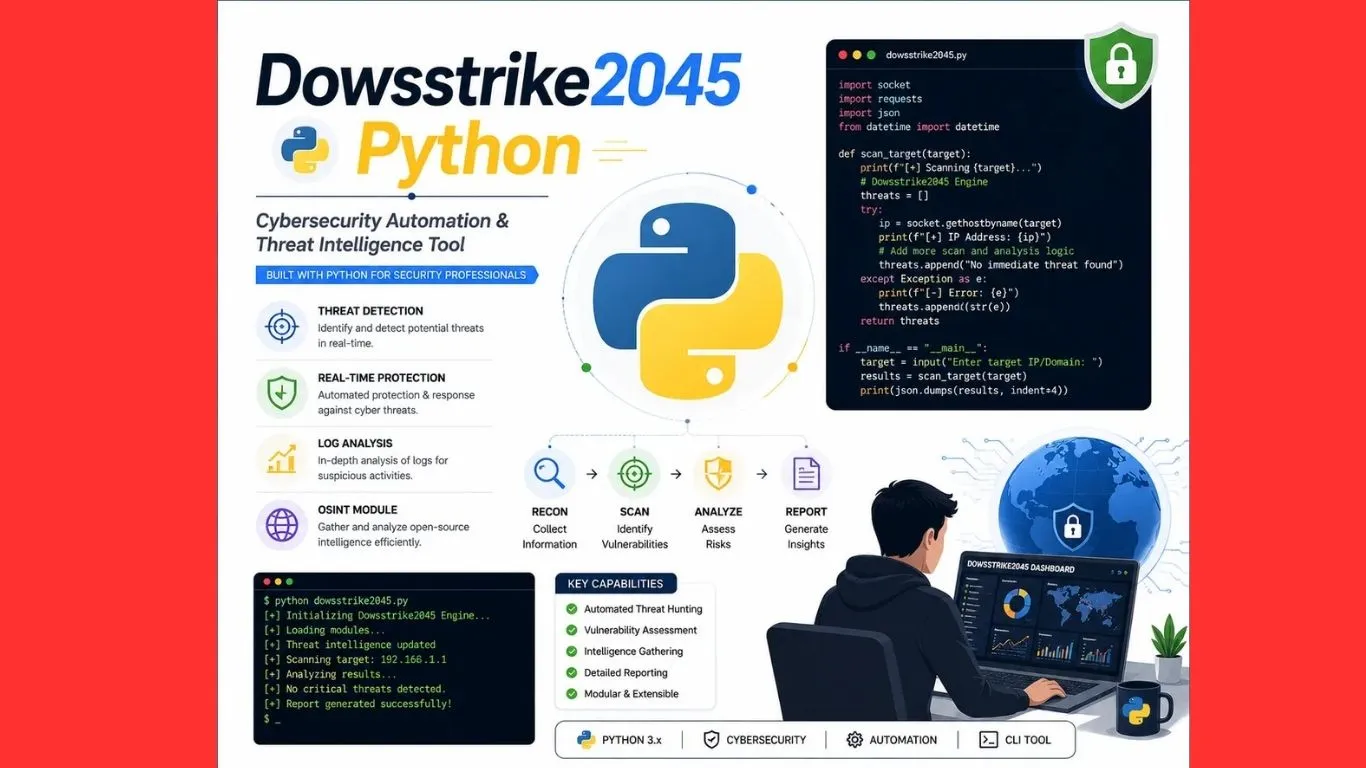
dowsstrike2045 python
If you’ve searched for Dowsstrike2045 Python recently, you’ve probably noticed something strange: dozens of articles describe it in completely different ways. Some call it a full cybersecurity toolkit. Others call it a beginner-friendly automation framework. A few even claim it was “built for the year 2045.” That inconsistency is usually a sign worth pausing on before you trust what you’re reading.
This article cuts through the noise. We’ll cover what Dowsstrike2045 Python is actually claimed to be, where the term originated, why it’s spreading so fast online and, more usefully, how to achieve the same real-world results using genuine, well-documented Python tools. By the end, you’ll understand the full picture, not just the buzzword.
What Is Dowsstrike2045 Python?
Across the blogs currently ranking for this term, Dowsstrike2045 Python is generally described as a Python-based framework aimed at automation, penetration testing, and system monitoring. Some articles say it combines network scanning, vulnerability detection, and encrypted data handling into a single tool. Others frame it more loosely, as a general-purpose approach to solving problems step-by-step using Python logic.
Here’s the important part: there’s no verified GitHub repository, no listing on the Python Package Index (PyPI), and no official documentation site behind these claims. That doesn’t automatically mean the concept is fake new tools do start small before they’re widely indexed but it does mean readers should treat the more specific technical claims (exact module names, architecture diagrams, and feature lists) as unverified rather than confirmed fact.
If you’re evaluating whether to add “Dowsstrike2045 Python” to your development stack, the safest move is to look for an official source first a real repository, a maintainer name you can verify, and release notes. Until that exists, it’s reasonable to treat the term as an emerging concept rather than an established, production-ready tool.
Why Is Dowsstrike2045 Python Trending?
There are a few realistic reasons this term is spreading so quickly across search results:
- The name sounds futuristic and specific. A number tied to a year (2045) combined with “strike” gives it an authoritative, techy feel — the kind of name that makes people curious enough to click.
- It taps into real demand. Developers genuinely want easier ways to automate security testing, monitor systems in real time, and reduce repetitive scripting work. Even if this exact tool isn’t verified, the problems it claims to solve are real and worth understanding.
- Content aggregation snowballs. Once a handful of articles publish about a term, search engines and readers start treating it as an established topic, which encourages more sites to write about it even without an original, verifiable source.
Understanding this pattern is useful beyond just this one keyword. It’s a good reminder to check for an official source (a real repository, a named developer, a changelog) before adopting any new tool into your workflow.
What People Actually Want When They Search This Term
Behind the buzzword, the underlying need is usually one of these:
- A Python framework for automating repetitive security tasks like port scanning or log monitoring
- A beginner-friendly way to learn scripting logic through practical examples
- A way to connect existing tools (like Nmap, Wireshark, or CI/CD pipelines) using Python instead of manual steps
The good news is that Python already has mature, well-documented, actively maintained libraries that cover every one of these needs with real GitHub repositories, real maintainers, and real community support you can verify today.
Real Python Tools You Can Use Instead
If your goal is automation, security testing, or monitoring, here are genuine, widely-used options:
- Scapy: for packet crafting, network scanning, and traffic analysis
- Nmap (with python-nmap): for structured network and port scanning from Python scripts
- Requests + BeautifulSoup: for automating web interactions and data extraction
- Paramiko: for automating SSH-based tasks and remote system checks
- Watchdog: for real-time file and log monitoring, similar to what “stream filtering” claims describe
- cryptography (PyPI package): for genuine, audited encryption in your scripts, instead of an unverified “integrated encryption module”
Each of these has an official repository, active maintainers, and clear documentation everything the various Dowsstrike2045 Python articles claim their tool offers, but with a verifiable track record behind it.
How to Approach Automation and Security Scripting in Python (Step by Step)
Whether or not Dowsstrike2045 Python turns into a real, documented project, the underlying workflow for Python-based automation stays the same. Here’s a simple, beginner-friendly path:
1. Set Up a Clean Environment
Install the latest stable Python version and create a virtual environment for each project. This keeps dependencies isolated and avoids the “it worked on my machine” problem.
python -m venv venv
source venv/bin/activate
2. Define the Task Clearly
Before writing any code, break the task into small pieces. Are you scanning a network? Monitoring a log file? Automating a report? Clear scope prevents messy, hard-to-maintain scripts.
3. Choose the Right Library
Instead of searching for a single “all-in-one” tool, pick a focused, well-maintained library for each job. This mirrors good engineering practice: composability beats monoliths.
4. Build Small, Test Often
Write one function at a time and test it in isolation. This is especially important for anything touching networks or system files, since mistakes can have real consequences.
5. Log Everything
Use Python’s built-in logging module to track what your script does. This becomes essential once you’re running automated or scheduled tasks unattended.
6. Get Authorization Before Security Testing
If your work involves scanning or testing systems you don’t personally own, get written permission first. Unauthorized penetration testing even with legitimate intentions can carry serious legal consequences.
Is It Safe to Use Tools Called “Dowsstrike2045 Python”?
Because there’s no verified official source, downloading a file or package claiming to be “Dowsstrike2045 Python” from a random website carries real risk. Unofficial downloads are a common way malware gets distributed, especially when they piggyback on a trending search term. If you come across a download link for this tool, treat it the same way you’d treat any unverified software:
- Check for an official, verifiable repository (GitHub, GitLab, or PyPI)
- Look for a named, identifiable maintainer with a track record
- Avoid running unfamiliar scripts with elevated permissions
- When in doubt, stick with established libraries that have public source code you can actually read
Final Thoughts
“Dowsstrike2045 Python” is best understood right now as an emerging, unverified concept rather than a confirmed, production-ready framework. The demand behind it easier automation, accessible security testing, and beginner-friendly Python workflows is completely real, and you don’t need to wait for an unverified tool to meet it. Python’s existing ecosystem already gives you everything needed to build reliable, secure, well-documented automation today.
If an official Dowsstrike2045 Python project does eventually appear with a real repository and transparent documentation, it will be worth a second look. Until then, the smartest move is to build on tools you can verify.
You must see: Application Mobile DualMedia: The Ultimate Guide to Smarter Digital Content Management
About the Author